AI Note-Taking Apps and Your Memory: When Recording Helps and When Recall Matters
Quick answer: do AI notes help you remember?
AI note-taking apps create an external record you can search and review. That is useful, but having a transcript does not establish that you have learned its contents. For information you need to remember, combine recording with your own explanation, a brief recall attempt, and later review. Choose an app by its capture quality, verification workflow, privacy controls, and total cost, rather than promises of effortless memory.
Key takeaways
- Separate keeping a reliable record from learning information you must use unaided.
- Check important statements against the recording, not just the generated summary.
- Compare your actual recording conditions, languages, exports, and usage limits.
- Add a short personal review instead of accumulating unread transcripts.
Introduction: a complete transcript can still leave a gap
You finish a lecture or meeting with pages of searchable text. Nothing appears to be missing. Yet when someone asks what mattered most, you struggle to explain it.
An AI note-taker solved the capture problem. Your next task is deciding what to understand, remember, verify, or act on.
That distinction matters before you buy. A student may need to explain a mechanism on an exam. A project manager may need a reliable decision record. An interview researcher may need exact wording. These users need different workflows even when the same app can record their conversation.
This guide examines AI note-taking apps and memory without treating a subscription as a brain upgrade. The goal is to help you purchase the right kind of support and use it deliberately.
1. External storage and learning serve different purposes
Cognitive offloading means using actions or external tools to change the demands of a task. A calendar, written checklist, and searchable transcript all provide ways to put information outside your head. Risko and Gilbert's research review describes this broader phenomenon and its consequences. [1]
Offloading is not automatically a failure. You do not need to memorize every sentence of a client call to manage a project well. A trustworthy record may be exactly what the task requires.
However, access and recall are different goals. If you must explain a concept without your device, practice doing so. If you must verify a contractual detail, locate and check the original statement instead of trusting memory alone.
Before choosing software, finish this sentence: “After this recording, I need to be able to…” Your answer should determine the features you compare.
2. Where AI note-taking can be useful
Capturing details you need to revisit
A recording and transcript can provide a reference for terminology, questions, and decisions. This is especially useful when you know the precise wording will matter later.
Do not assume transcription is exact. Names, overlapping speakers, technical vocabulary, and poor audio are practical reasons to check important passages.
Supporting your attention during a conversation
If recording is permitted, you might choose to write only questions and key relationships while the app captures speech. That is a workflow option to test, not a guarantee that your attention or memory will improve.
Keep enough personal notes to know what confused you and what needs follow-up. A transcript cannot automatically identify every misunderstanding you experienced.
Making review easier to navigate
Search, timestamps, and organized summaries can help you find a relevant segment. Their value depends on whether you use them afterward.
A shorter route back to the source is useful. A growing archive that you never open is less persuasive evidence that the subscription is helping.
3. Why a summary needs checking
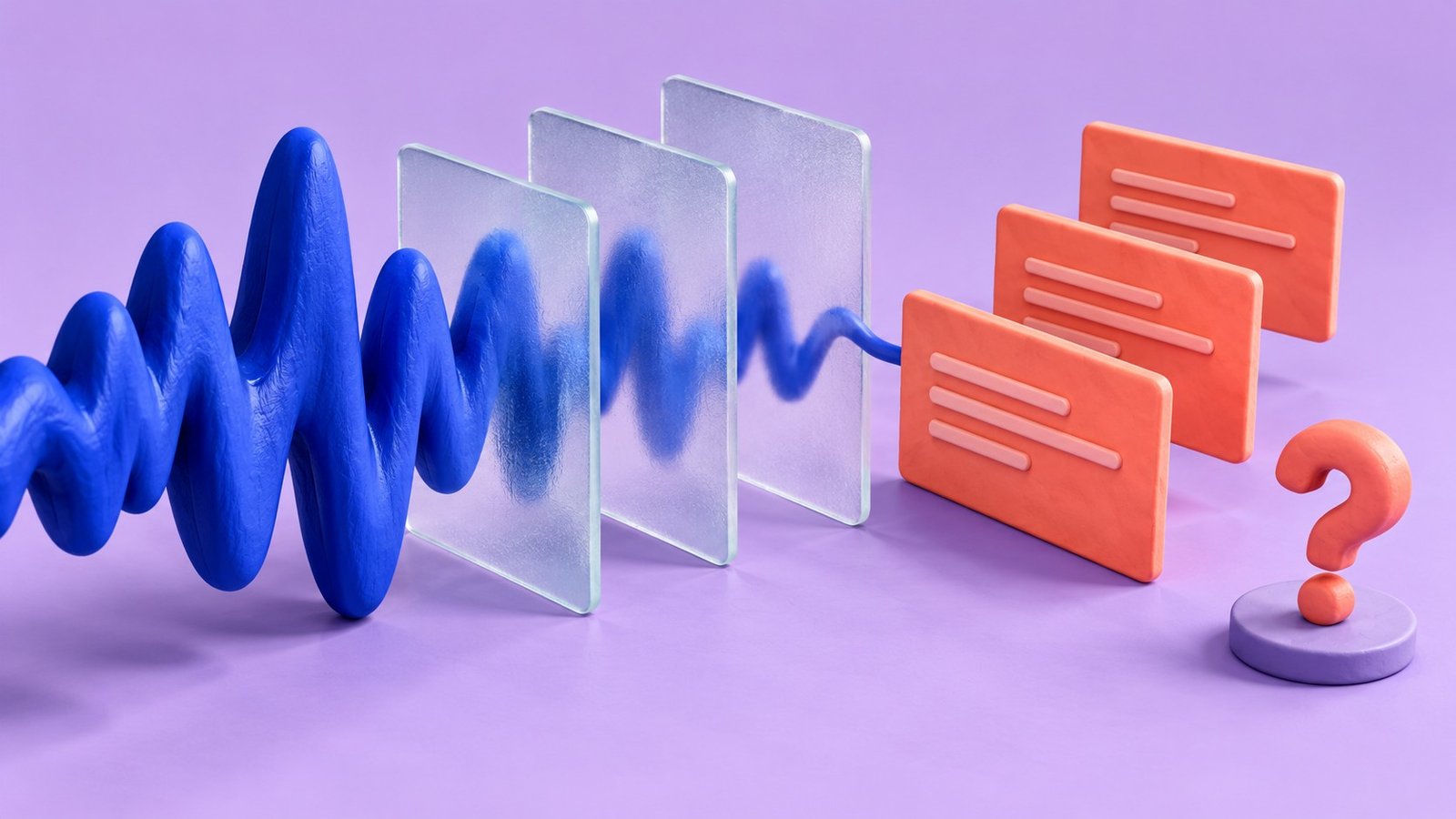
A generated summary is an interpretation of the material. It may omit a qualification, confuse speakers, or turn a tentative suggestion into something that sounds decided.
Treat these as separate layers:
| Layer | Useful purpose | What to verify |
|---|---|---|
| Recording | Revisit what was actually said | Audio quality and missing segments |
| Transcript | Search spoken material | Wording, speaker identity, technical terms |
| AI summary | Obtain an overview | Omissions, certainty, and attribution |
| Your review note | Record understanding or actions | Whether your explanation matches the source |
For example, “We could launch Friday if testing passes” is different from “Launch Friday.” Before copying an action item into your task manager, confirm its conditions, owner, and deadline.
For academic material, distinguish what the speaker asserted from what independent research establishes. Transcribing a claim accurately does not make the claim scientifically correct.
4. Three AI note-taking tools to investigate
The following comparison uses vendor documentation. It does not rank transcription accuracy or establish memory benefits. Check current plan details before subscribing because allowances and feature access can change.
| Tool | Documented focus | Buyer use case to investigate | Checks before purchase |
|---|---|---|---|
| Otter | Live transcription and meeting-oriented AI features | Lectures or conversations where searchable speech is useful | Recording duration, import allowance, supported language, and export |
| Fireflies | Meeting transcription and AI meeting features | Teams wanting a shared meeting record | Meeting setup, storage, sharing permissions, and any additional AI charges |
| Notta | Transcription, AI notes, and export options across plan tiers | Users comparing transcription and sharing workflows | Language support, per-recording limits, downloadable formats, and plan restrictions |
The official Otter and Fireflies plan pages and Notta help documentation describe these capabilities and restrictions. Vendor pages support feature checks, not independent claims about learning outcomes. [2][3][4]
Buyer action: Choose two candidates and try the same short recording you have permission to use. Compare corrections, navigation, and export rather than relying on marketing accuracy percentages.
5. A simple capture-to-recall workflow
The following routine is a practical suggestion, not a validated treatment or a prescribed memory protocol. Adapt it to the task.
Before: define what deserves your attention
Write one learning objective or meeting question. For a lecture on memory, this might be “How do encoding and retrieval differ?” For a project call, it might be “Which decisions need my action?”
This gives you a reason to listen beyond collecting a complete transcript.
During: keep a small personal note
Record questions, unfamiliar terms, and connections in your own words. Avoid trying to duplicate every sentence if the app is already capturing it.
Mark a moment you want to revisit. Use whatever method you can manage without disrupting the conversation, such as a timestamp or a short phrase.
After: attempt a brief explanation first
Before reading the AI summary, write the three points you remember and one question that remains. This reveals your current understanding more clearly than immediately reading a polished recap.
Then compare your note with the transcript and recording. Correct errors and fill the gaps that matter for your objective.
Later: practice the information you need unaided
Turn a few important points into questions. Answer them without the transcript, then check your response. Research on retrieval practice supports this general learning approach, although it does not validate a particular note-taking app. [5]
For software that organizes this practice, use our AI study-tool selection guide to check questions, feedback and review controls.
For work, later review may instead mean confirming an action was completed. Do not turn every meeting into a memorization exercise when a dependable task list is the better tool.
6. A trial checklist before you pay
Run your trial under realistic conditions. A clean voice recording made beside your laptop may tell you little about a noisy lecture hall or a discussion with several speakers.
Check these points:
- Can you capture the type of session you actually attend?
- Can you find a statement and inspect its original context quickly?
- Can you correct names, vocabulary, and speaker labels?
- Can you export the material in a usable format?
- Can you control who receives the recording and summary?
- Will the plan accommodate your recording frequency and duration?
Count cleanup time as part of the cost. If a one-hour recording takes extensive correction, a low subscription price may not represent good value for your task.
Test cancellation and export information before committing to a long plan. Avoid making your only usable copy dependent on a subscription you may not keep.
7. Privacy and permission are buying criteria
Before recording, confirm that participants know and that the setting permits it. Follow your institution's or employer's requirements and applicable recording rules. An app's ability to record does not itself provide permission.
For sensitive discussions, ask where audio is processed, how long it is retained, who can access it, and how deletion works. Check whether account settings affect sharing or the use of your content to improve services.
Do not assume that a free account has the same controls as an organizational plan. Likewise, a device recording locally does not prove that later transcription stays on that device.
If your organization has an approved tool, start there. Paying personally for another app can create unnecessary copies and a workflow colleagues cannot safely use.
8. When a paid note-taker makes sense
Consider paying when you regularly need a searchable record, the tool works in your recording environment, and the time saved exceeds the time spent checking its output.
For students, that purchase should support review rather than replace it. For teams, reliable access and clear sharing controls may matter more than sophisticated summaries. For occasional use, an allowed basic recording method and a short written recap may be sufficient.
Use one representative week to estimate your needs. Add the expected recording duration and identify the features you actually used. Choose the smallest suitable plan instead of paying for hypothetical future volume.
Frequently asked questions
Do AI note-taking apps weaken memory?
The evidence cited here does not establish that these products cause memory decline. The more useful question is whether your routine includes learning the information you need. Storing a conversation and practicing recall are different activities.
Should I stop taking personal notes?
Keep a brief record of questions, explanations, or decisions that matter to you. Let your objective guide how much you write. You do not need to recreate the entire transcript.
Is the most accurate transcription app always the best choice?
Accuracy matters, but so do permission, navigation, export, privacy, and cost. Compare tools on your own authorized sample. A feature list cannot establish which one handles your speakers and environment best.
What should I do immediately after recording?
Write what mattered in your own words, verify important details, and decide whether the next step is recall practice, an action item, or secure storage. That decision makes the record useful.
Sources and further reading
- Risko, E. F., & Gilbert, S. J. (2016). Cognitive Offloading. Trends in Cognitive Sciences. https://pubmed.ncbi.nlm.nih.gov/27542527/
- Otter. Current plan and feature comparison. https://otter.ai/pricing
- Fireflies. Current plan and feature comparison. https://fireflies.ai/pricing ; billing and AI credits: https://guide.fireflies.ai/articles/9606045468
- Notta. What is included in each Notta plan? https://support.notta.ai/hc/en-us/articles/45649026891419-What-is-included-in-each-Notta-plan ; export and sharing overview: https://support.notta.ai/hc/en-us/articles/18646448413083-Intro-to-data-export-sharing
- Karpicke, J. D., & Roediger, H. L. (2008). The critical importance of retrieval for learning. Science. https://pubmed.ncbi.nlm.nih.gov/18276894/